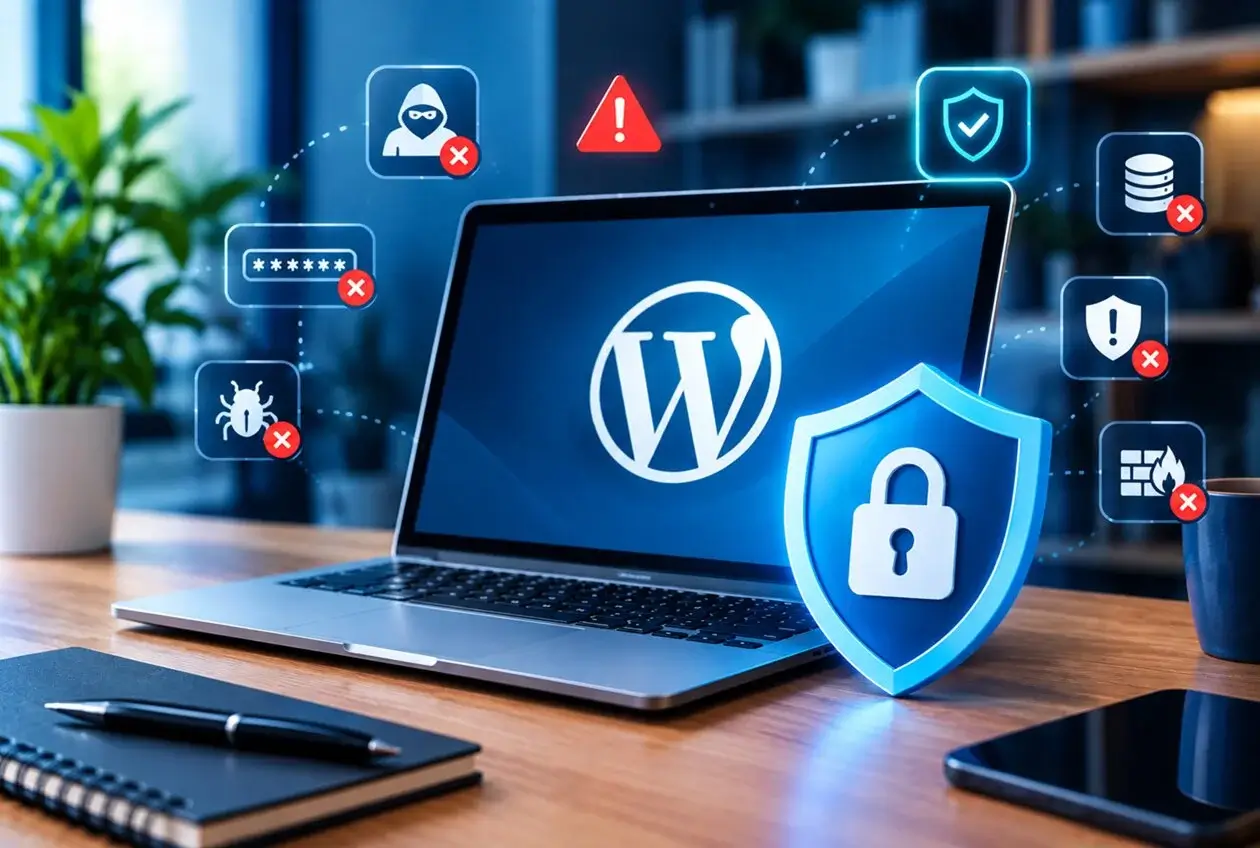
The WordPress Security Mistakes Checklist covers what a secure site should have in place. This post looks at the flip side: the specific, common mistakes that actually lead to a compromise. If you recognize your own site in more than one of these, that’s worth addressing before it becomes an incident rather than after.
A Worked Example
A business owner installs WordPress, picks a theme, adds a handful of plugins, and launches. Two years later, nothing has been touched since no updates, the original “admin” username is still active, and there’s no backup beyond whatever the hosting provider does automatically (which nobody has ever checked). None of these were conscious decisions to skip security. They were simply never revisited after launch, which is exactly how most of the mistakes below happen through inattention, not carelessness.
The 10 WordPress Security Mistakes
1. Never updating after launch The most common mistake on this list, and the one responsible for the largest share of real-world compromises. Every update left unapplied is a known vulnerability sitting exposed, often for months.
2. Using “admin” as the username It’s the first username any automated attack tries. Combined with a weak password, this turns a brute-force attempt into a near-certainty rather than a long shot.
3. Weak or reused passwords Passwords reused across multiple services mean a breach anywhere becomes a breach everywhere. This applies to WordPress admin accounts just as much as any other login.
4. No login attempt limiting Without a cap on failed login attempts, brute-force attacks can run indefinitely, trying thousands of password combinations without ever being blocked.
5. Ignoring plugin and theme reviews before installing Installing a plugin with few reviews, no recent updates, or an abandoned support history introduces risk that has nothing to do with your own site’s practices you’re inheriting whatever vulnerabilities exist in that code.
6. Keeping unused plugins and themes installed Deactivated isn’t the same as removed. Old files sitting on the server, even inactive, can still be exploited if they contain a known vulnerability.
7. Skipping backups, or never testing them Many site owners believe they have backups because a plugin is installed, without ever confirming a backup can actually be restored. This gap is only discovered during an actual emergency.
8. Giving every user administrator access Team members, contractors, or clients who only need to edit content don’t need full admin rights. Excess permissions widen the damage potential of any single compromised account.
9. Using cheap or unmanaged hosting with no security layer Hosting quality varies enormously. A host with no firewall, no malware scanning, and no security patching leaves an entire layer of protection missing, regardless of how careful you are at the WordPress level.
10. Assuming “it hasn’t happened yet” means it’s safe The absence of an incident so far isn’t evidence of security it’s often evidence that nobody has looked closely, or that an automated scan simply hasn’t reached this particular site yet. Security is a posture, not a track record.
Why These Add Up
Individually, several of these mistakes might not cause a problem on their own. Combined an outdated plugin, a weak password, no login limiting, and an untested backup they create exactly the conditions under which a routine, automated attack succeeds. None of the fixes are difficult; the risk comes almost entirely from these being left unaddressed for a long time, not from any of them being hard to solve.
The Real Takeaway
None of these ten WordPress Security Mistakes are exotic. They’re the default state of a website nobody has revisited since launch. Reviewing your own site against this list takes maybe twenty minutes a small investment compared to what an actual compromise costs in downtime, recovery, and trust.
FAQ
How many of these WordPress Security Mistakes does the average small business website have? It’s common for an unmaintained site to have three or more of these simultaneously, since they tend to accumulate together rather than in isolation none were actively decided against, they were simply never addressed.
Which of these mistakes is the most urgent to fix first? Outdated software (mistake #1) and weak/reused passwords (#3) are the two most commonly exploited, so they’re the highest priority if you can only address a few immediately.
Can a hosting provider protect me even if I make these WordPress Security Mistakes? Partially. Good hosting adds a real layer of protection, but it can’t fully compensate for outdated plugins, weak credentials, or a backup that’s never been tested those need to be addressed directly.
Is it worth hiring someone to audit my site for these issues? For a business-critical site, yes a professional audit typically takes less time than fixing an actual compromise would, and catches issues (like an untested backup) that are hard to verify without technical access.
Do these WordPress Security Mistakes apply to small websites too, or just large business sites? They apply regardless of size. Automated attacks don’t discriminate by site size or traffic a small site with an outdated plugin is just as exposed as a large one.