
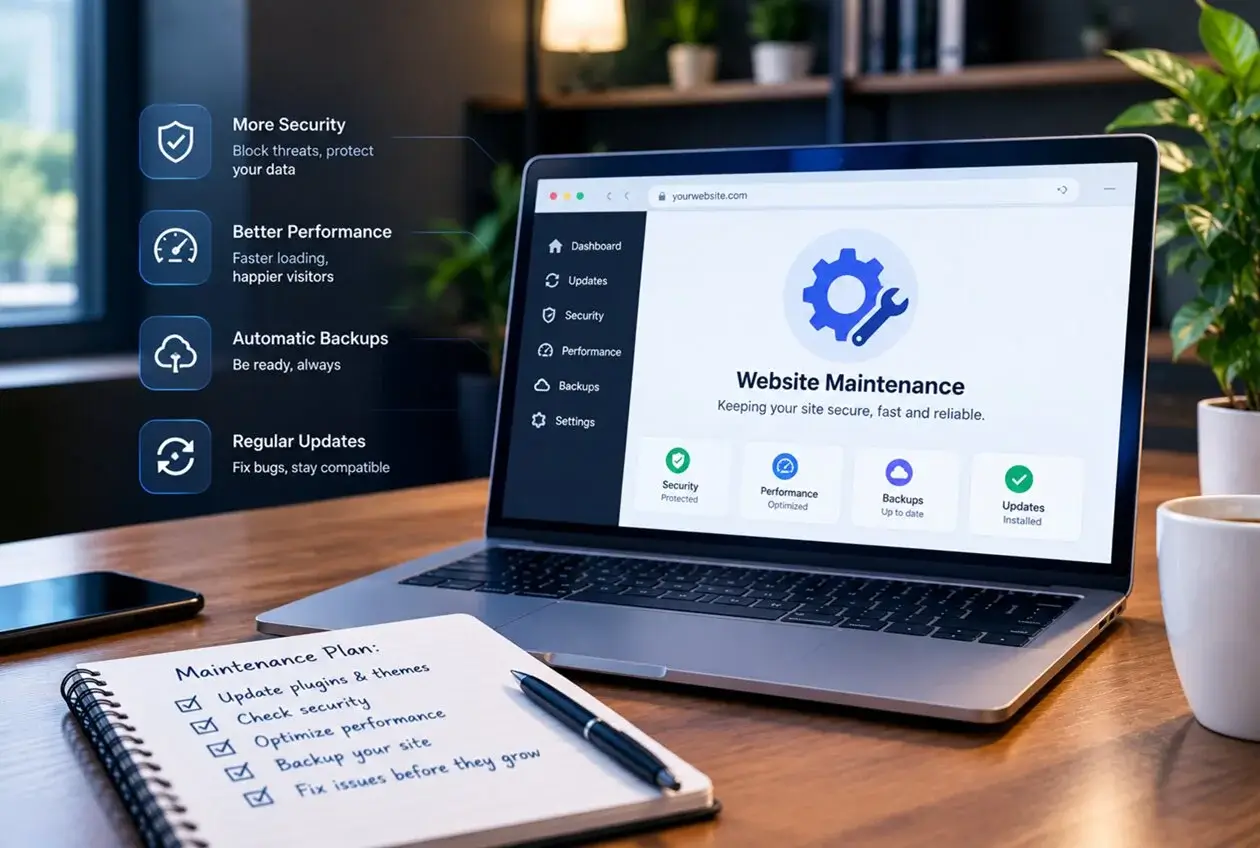
Most business owners think of a website the way they think of a business card: design it once, develop it once, hand it out and buum done. That mindset is where most website problems actually start. A website is closer to a storefront than a business card, it needs upkeep, or it slowly stops working the way it should.
Here’s what a website maintenance plan actually protects against, and why “it still loads fine” isn’t the same as “it’s fine.”
What Happens Without website Maintenance
1. Security vulnerabilities accumulate silently. WordPress core, themes, and plugins receive regular security updates. Skip them, and known vulnerabilities sit open on your site — this is exactly how the majority of hacked WordPress sites get compromised, not through some sophisticated attack, but through an unpatched, publicly documented weakness.
2. Plugin conflicts build up over time. Every plugin update is tested against the plugin author’s assumptions about your setup, not your actual specific combination of theme and other plugins. Left unmanaged for months, small conflicts compound into broken checkout flows, contact forms that silently stop sending, or layout issues that only show up on certain devices.
3. Performance degrades gradually. Database bloat from spam comments, unoptimized images added over time, and outdated caching configurations all slowly erode page speed — the same page speed that affects both user experience and search rankings.
4. Content goes stale without anyone noticing. Old promotions, outdated team photos, broken outbound links, discontinued products still listed — these accumulate invisibly until a visitor points them out, usually after they’ve already formed a bad impression.
5. Backups either don’t exist or aren’t tested. Many site owners assume backups are happening because a plugin is installed, without verifying the backups are actually complete, recent, and restorable. The only time this gets discovered is during an actual emergency the worst possible time to find out.
A Worked Example
Imagine two versions of the same business website, both launched at the same time. One gets updated and checked monthly. The other is left alone for a year.
At the one year mark, the maintained site: current plugin versions, no known vulnerabilities, fast load times, working forms, fresh content, and a verified recent backup.
The unmaintained site: several plugins are 8-12 versions behind, at least one has a since-patched vulnerability, the contact form quietly stopped sending emails three months ago with nobody noticing, page speed has dropped from image bloat, and the last backup if it exists is a year old and untested.
Neither site owner did anything obviously wrong. The difference is entirely whether ongoing website maintenance happened. This is the core argument for a maintenance plan: it’s not solving a mistake, it’s preventing the default outcome of simply doing nothing.
What a Real Website Maintenance Plan Should Include
- Core, theme, and plugin updates — applied regularly, tested on a staging environment first for anything beyond minor patches
- Security monitoring — malware scanning and uptime monitoring, not just “hope nothing happens”
- Performance checks — periodic speed testing and database cleanup
- Backup verification — not just scheduled backups, but occasional test restores to confirm they actually work
- Broken link and content audits — catching stale content and dead links before a visitor does
- A response plan — knowing who to call and how fast, if something does go wrong
What It Shouldn’t Be
A maintenance plan that’s just “we’ll update plugins once in a while” isn’t really a plan — it’s a slightly better version of doing nothing. The value is in the consistency and the verification, not just the activity.
The Real Takeaway
A website is infrastructure, not a one-time deliverable. Treating it like a purchase you make once and never revisit is how small, preventable issues turn into expensive emergencies — a hacked site, a broken checkout losing sales for weeks unnoticed, or a full rebuild because nobody can identify what changed over three years of neglect.
Faq
How often does a website actually need maintenance? Security and plugin updates are best checked monthly at minimum, with critical security patches applied as soon as they’re released. Broader audits (speed, content, backups) are reasonable on a quarterly basis.
Can I just do maintenance myself instead of paying for a plan? Yes, if you have the time and technical comfort to test updates safely, monitor for vulnerabilities, and verify backups actually restore. Many business owners underestimate the time this takes until they’re already behind on it.
What’s the difference between website maintenance and website support? Maintenance is proactive — updates, monitoring, backups done on a schedule regardless of whether anything’s visibly wrong. Support is reactive — fixing something once it’s already broken. A good plan includes both, but maintenance is what prevents most support requests from happening at all.
Does website maintenance affect SEO? Yes, indirectly but meaningfully. Site speed, uptime, and security status all factor into search performance, and a hacked or broken site can lose rankings quickly and take a long time to recover.
How much should website maintenance cost? This varies significantly by site complexity and what’s included in the plan. Check for more.