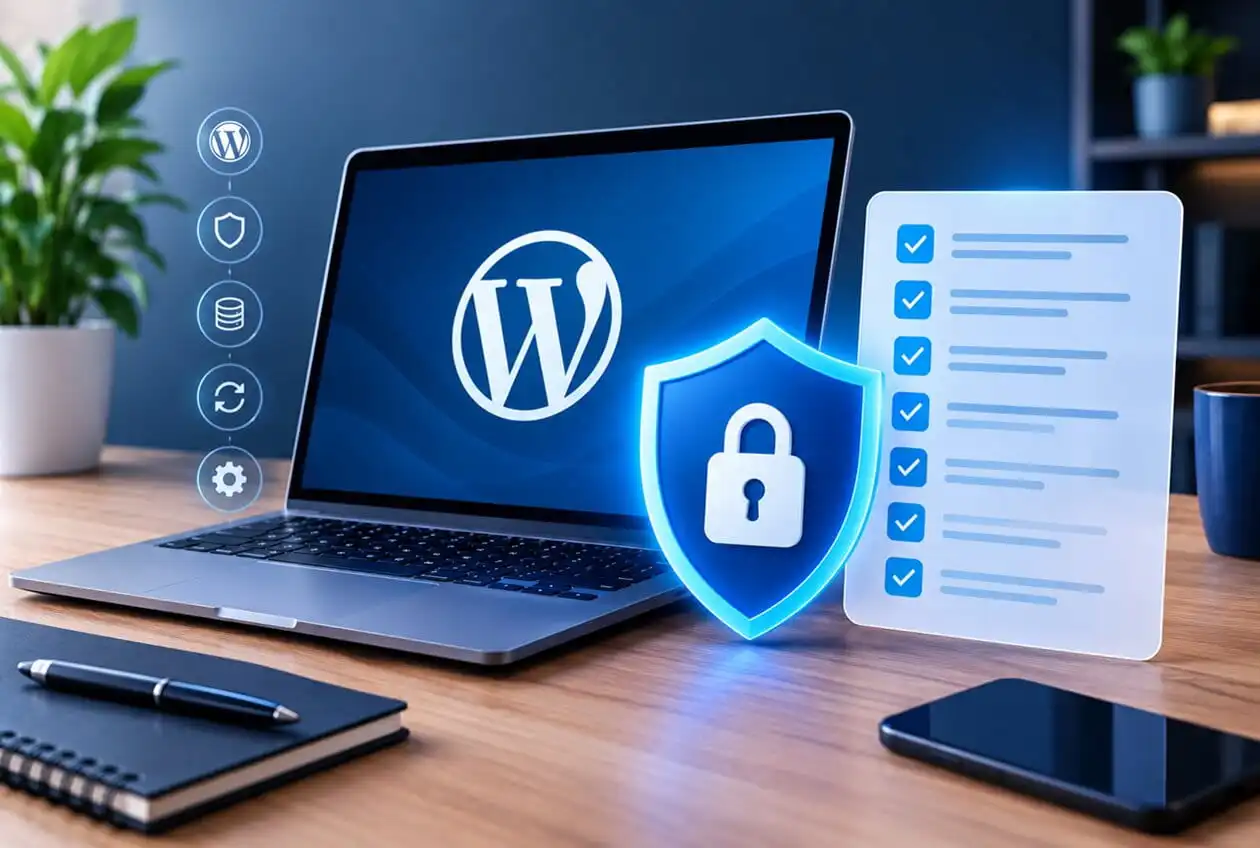
WordPress powers a very huge share of the web, which makes it a large, well-documented target. Most successful attacks aren’t sophisticated they exploit known, already-patched vulnerabilities on sites that simply weren’t kept current, or weak WordPress Security points that a short checklist would have caught. Here’s what actually matters, in order of impact.
A Worked Example
Picture a small business site running an outdated version of a popular contact form plugin. The vulnerability in that specific version was publicly disclosed and patched months earlier it’s documented, searchable, and automated scanning tools actively look for exactly this kind of unpatched install across the web. Nobody targeted this business specifically. A bot found the outdated plugin, exploited a known weakness, and used the site to inject spam links or malware, often without the owner noticing for weeks.
This is the actual shape of most WordPress hacks: not a targeted attack, but an automated scan finding an unlocked door. Every item on this checklist exists to close one of those doors.
The Checklist
1. Keep everything updated — core, themes, and plugins This is the single highest-impact item on this list. The vast majority of WordPress compromises trace back to outdated software with a known, already-patched vulnerability. Set a schedule, don’t wait for “someday.”
2. Remove unused themes and plugins entirely An inactive plugin can still be an attack surface if its files remain on the server. Deactivating isn’t enough delete what you’re not using.
3. Use strong, unique credentials and limit login attempts Weak or reused passwords combined with no login-attempt limiting make brute-force attacks trivial to automate. A password manager and a login-limiting plugin or server rule close this gap cheaply.
4. Enable two-factor authentication for all admin accounts Even a compromised password becomes far less useful to an attacker if a second factor is required, particularly for any account with administrator access.
5. Choose secure, reputable hosting Hosting matters more than most site owners realize. A host with server-level firewalls, malware scanning, and prompt security patching provides a meaningful layer of protection independent of anything done at the WordPress level.
6. Install an SSL certificate Beyond the trust signal for visitors, SSL encrypts data in transit, which matters for any site collecting information through forms, logins, or checkout.
7. Limit user roles and permissions Not every user needs administrator access. Assigning the minimum role necessary (editor, author, contributor) limits the damage if any single account is compromised.
8. Use a security plugin for firewall and malware scanning A reputable security plugin adds an application-level firewall and regular malware scanning a meaningful second layer beyond keeping software updated.
9. Maintain verified, working backups If every other layer fails, a recent, tested, restorable backup is what turns a disaster into an inconvenience. A backup that’s never been test-restored is an assumption, not a safeguard.
10. Disable file editing from the WordPress dashboard By default, administrators can edit theme and plugin files directly from the dashboard a convenience that also becomes a serious risk if an admin account is ever compromised. Disabling this is a small, low-effort hardening step.
11. Monitor for unexpected changes File integrity monitoring or simple activity logging can catch a compromise early the difference between noticing an issue in hours versus discovering it months later when it’s already caused damage.
What This Checklist Deliberately Leaves Out
Some advice circulating online focuses on obscure “security through obscurity” tactics hiding the login URL, removing version numbers from the page source, and similar measures. These can mildly reduce automated scanning noise, but they’re not real security controls and shouldn’t be mistaken for the fundamentals above. A hidden login URL on an outdated, unpatched site is still an unpatched site.
The Real Takeaway
WordPress security isn’t about one clever trick it’s about consistently doing a short list of unglamorous things: updating software, using strong credentials, limiting access, and keeping verified backups. Nearly every successful attack this checklist prevents was avoidable, not sophisticated.
FAQ
Is WordPress inherently insecure? No. WordPress itself is actively maintained and security-patched. Most compromises stem from outdated plugins/themes, weak credentials, or poor hosting not a flaw in WordPress core.
How often should I check for updates? At minimum monthly, with critical security patches applied as soon as they’re released rather than waiting for a scheduled check.
Do I need a security plugin if my host already has security features? Often yes, since host-level and application-level security cover different layers. A security plugin adds WordPress-specific firewall rules and malware scanning that generic server-level protection may not catch.
What’s the first thing to check if I think my site’s been hacked? Check for unexpected admin users, unfamiliar files or code changes, and unusual outbound traffic or spam content. Then restore from your most recent verified clean backup rather than trying to manually clean an active compromise, which is often incomplete.
Are free security plugins good enough, or do I need a paid one? Free versions of reputable security plugins cover the fundamentals (basic firewall, scanning) reasonably well. Paid tiers typically add more frequent scanning, automated malware removal, and faster support worth it for a business-critical site.