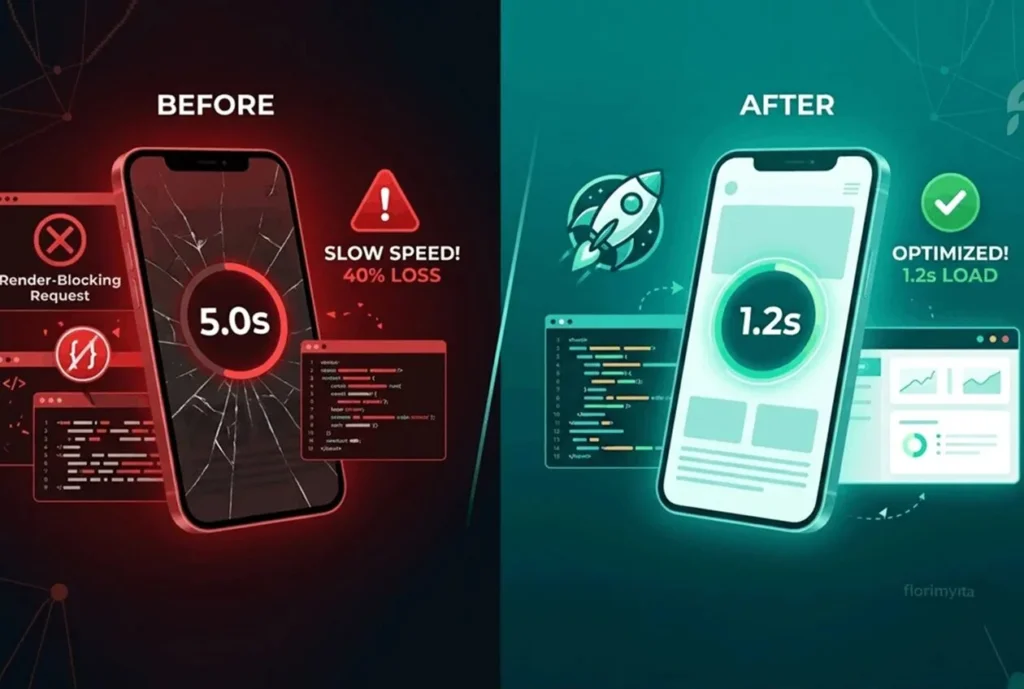
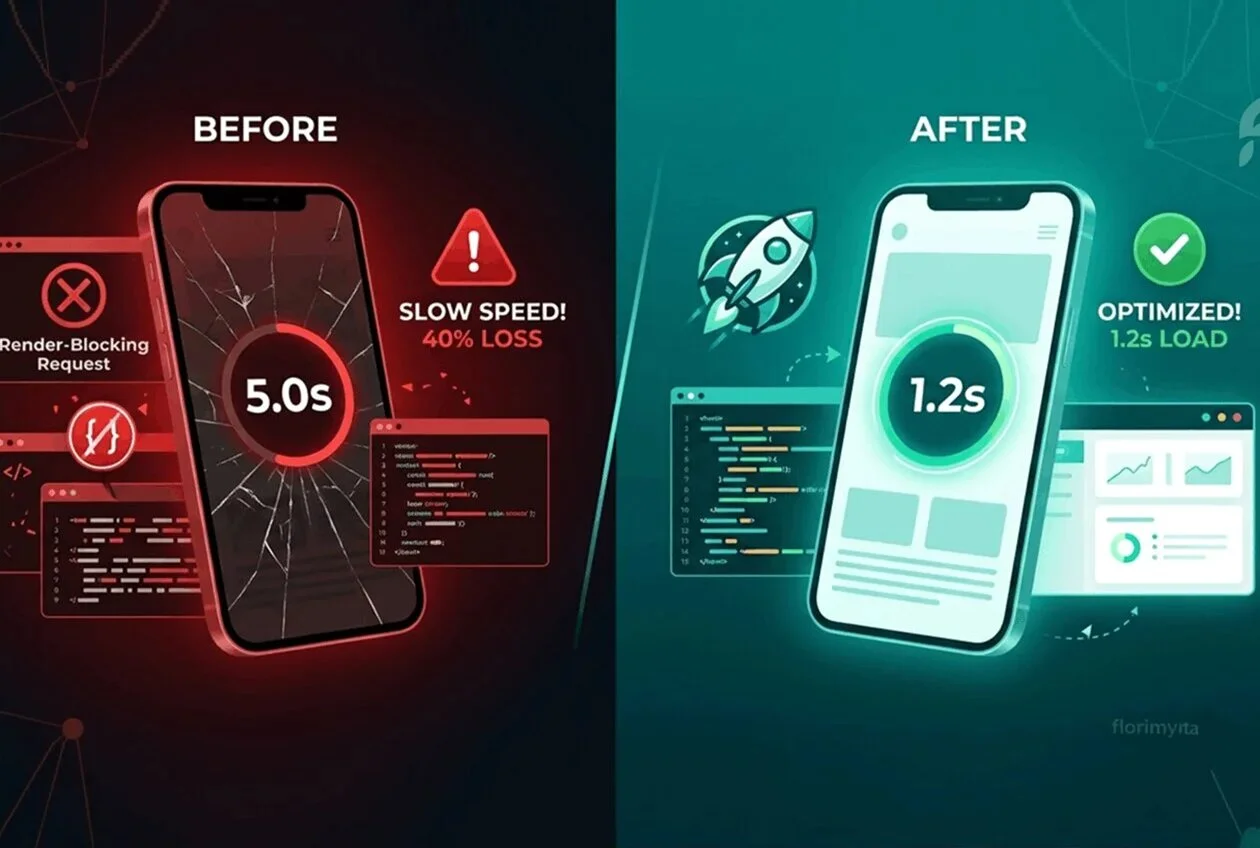
Building a good, modern, beautiful and performing website takes time and of course, if you are not a developer, it requires an upfront investment. You can spent thousands of dollars on a beautiful WordPress website. Your desktop layout looks spectacular, your portfolio is flawless, and on your PC, the pages seem to snap open instantly.
But then you run a speed test, or open your site on a standard mobile connection, and reality hits: a 5-second mobile load time.
If your mobile website takes 5 seconds to paint on a screen, you aren’t just dealing with a minor technical annoyance. You are actively handing over 40% of your traffic and your revenue directly or indirectly to your competitors.
Let’s now break down the hidden technical loops that destroy WordPress mobile speed, why standard caching plugins fail to fix them, and how to permanently unlock a 2-second load time.
During my career as a web developer i have had the opportunity to work on various websites and have encountered many challenges in terms of performance. Below I will provide a detailed breakdown.
The Hard Truth: Mobile Visitors Won’t Wait
According to Google’s web performance data, as page load time goes from 1 second to 5 seconds max, the probability of a mobile visitor bouncing increases by 90%.
When a user clicks your link from search results or an ad/social, they expect a fast response. If they stare at a white screen for even 3 seconds, their brain flags the delay as friction. They click right back, and forget, they will scroll and of course will find a web or store that opens immediately.
Slow mobile speed directly damages your business in two distinct ways:
1-Lower Conversion Rates: Every 100ms delay in mobile load time can drop your checkout and contact form conversions by up to 7%.
2-Damaged Search Rankings (SEO): Google uses Core Web Vitals as a direct ranking factor. If your mobile metrics fail Google’s speed standards, your site is actively pushed down in search results.
Why Standard Caching Plugins Fail to Fix the Drop
Most WordPress site owners try to solve speed by installing a popular caching plugin, turning on every toggle, and hoping for the best.
But have you ever noticed that your speed looks great for 1 to 2 minutes after clearing your cache, only to tank again on the very next test?
This happens because of two common server-level bottlenecks:
1. The Critical Path Block (Render-Blocking Stylesheets)
To render a page, the browser reads your website’s code from top to bottom. If it hits heavy icon libraries, uncompressed fonts, or massive layout stylesheets (like Elementor’s CSS blocks) in the header, it completely halts rendering. The screen stays white while the browser downloads these files.
2. Server-Level Cache Churning
On hosts like Hostinger or IONOS, server-level caching often clashes with WordPress plugins. The server might try to generate multiple “Guest Mode” cache variants. When a testing bot or a new mobile visitor hits the site, the server stalls while attempting to compile these experimental background rules, tacking an immediate 1.5-second delay onto your response time.
The 3-Step Blueprint to Under 2-Second Mobile Loads
To get clean, stable performance that holds its speed permanently, you must move away from experimental cloud queues and focus on clean, local server optimization.
Step 1: Eliminate the Render-Blocking CSS
Stop trying to load all your layout rules asynchronously if it causes layout shifts. Instead:
- Combine your main stylesheets to reduce browser requests.
- Keep inline and external CSS combinations turned OFF to maintain layout stability.
- Set your Font Display Optimization to
Swap. This forces your text to render instantly using a system font while your brand fonts load in the background.
Step 2: Defer Non-Essential JavaScript
Your interactive scripts (like sliders, carousels, and animations) should never block the initial page paint. Force your JavaScript files to Defer so the layout structures load first, and the interactive elements initialize a fraction of a second later.
Step 3: Lock in Long Server Cache TTLs
If your server-level page cache is constantly expiring and rebuilding, your site will frequently serve uncached, slow pages.
- Increase your Default Front Page TTL to at least 14 days inside your caching configuration.
- This forces your server to build your fast, optimized homepage once and serve that exact fast snapshot to everyone instantly.
Ready to Double Your Mobile Conversions?
Optimizing a complex WordPress or WooCommerce site for flawless Core Web Vitals requires a deep understanding of server execution, database queries, and clean asset loading.
If you are tired of watching your page speed drop and want a site that is lightning-fast, highly secure, and optimized to convert visitors into clients, let’s build it right.
Get in touch today for a comprehensive, code-level speed audit of your website.