Why Your WordPress Site Is Slow on Mobile (And How to Fix It)
You’ve checked your desktop performance, and everything looks perfect. The layout is smooth, images load quickly, and the experience feels fast.
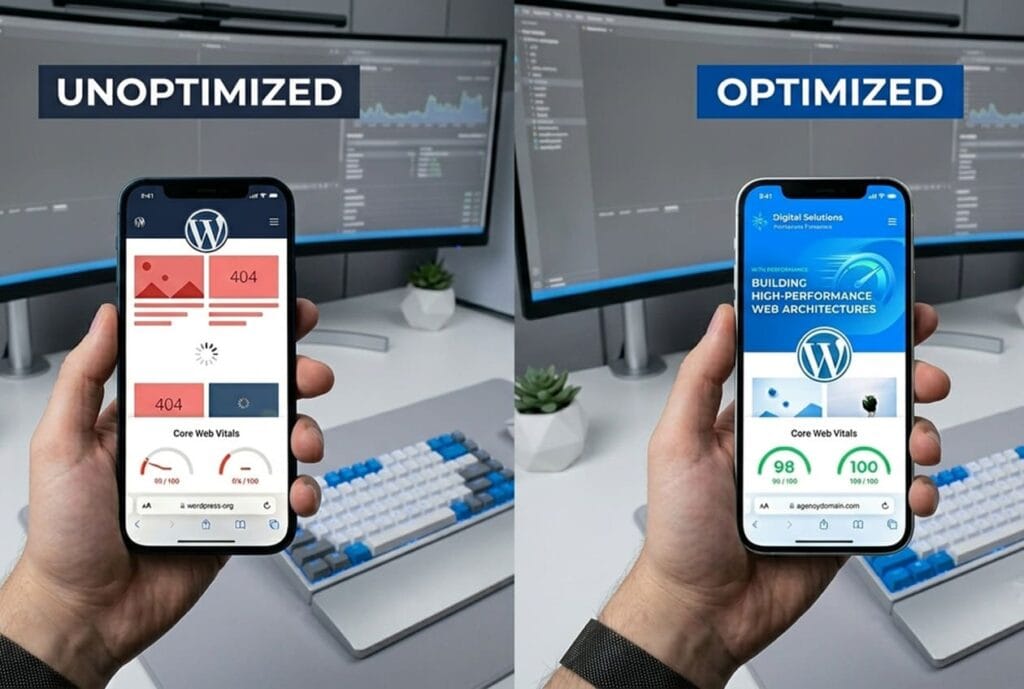
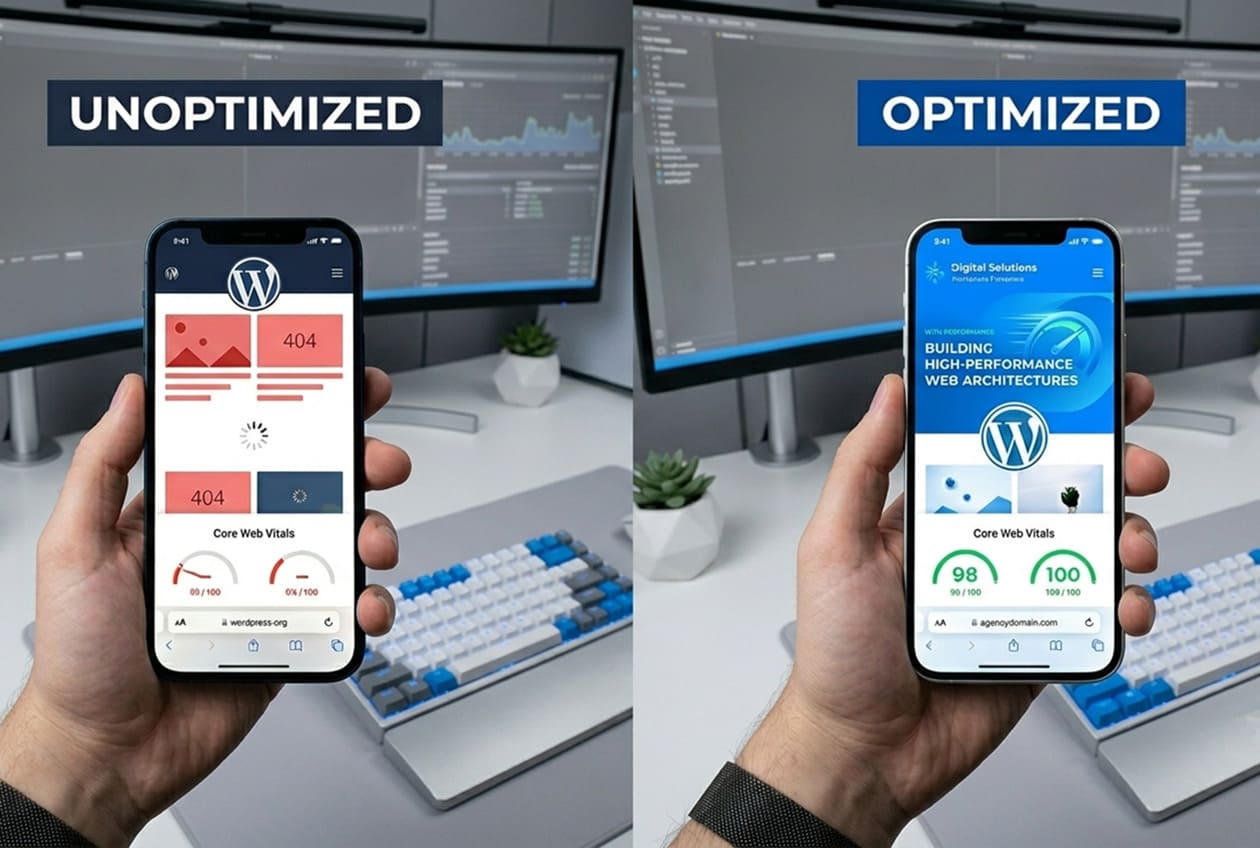
But then you test your WordPress Mobile Speed Optimization or check Google Search Console and the results are completely different: poor scores, slow loading, and failing Core Web Vitals.
This is not a minor issue. More than 55% of global traffic comes from mobile devices, and Google primarily evaluates your website based on its mobile performance. If your mobile site is slow, you are losing rankings, traffic, and conversions at the same time. Fixing WordPress Mobile Speed Optimization is not about installing another plugin. It requires identifying and removing structural performance bottlenecks in your WordPress setup.
Let’s break down the real reasons your mobile WordPress site is slow—and how to fix them properly.
Mobile Hardware Limitations (CPU Bottleneck)
Most websites are built on powerful desktop assumptions—but mobile devices are far more limited.
Mobile users often browse with:
- Lower CPU power
- Unstable network connections
- Background app usage consuming resources
If your WordPress site relies on heavy JavaScript, animations, or large page builders, the mobile browser must work significantly harder to render the page.
This delays:
- First Contentful Paint (FCP)
- Largest Contentful Paint (LCP)
How to fix it:
- Use Elementor Flexbox Containers instead of old sections
- Reduce DOM complexity (fewer nested elements)
- Defer non-critical JavaScript (chat widgets, animations, tracking scripts)
Layout Instability (Cumulative Layout Shift)
Have you ever tried clicking a button, only for the page to shift and make you tap the wrong element?
That is Cumulative Layout Shift (CLS).
It usually happens when the browser does not know the size of images, fonts, or elements before loading them.
On mobile screens, this problem is even more noticeable.
How to fix it:
- Always define width and height for images
- Reserve space for hero sections and banners
- Preload important fonts to avoid layout shifts during rendering
Too Many Plugins and Unused Scripts
One of the biggest WordPress performance problems is plugin overload.
Each plugin adds:
- CSS files
- JavaScript files
- Database queries
Even if you are not using a feature on a page, its assets may still load globally.
This creates unnecessary weight—especially on mobile connections.
How to fix it:
- Replace multiple plugins with lightweight custom solutions
- Disable scripts on pages where they are not needed
- Load assets conditionally (especially WooCommerce scripts)
Server Response Time (TTFB)
Even a perfectly optimized website will feel slow if your server is slow.
Time to First Byte (TTFB) measures how long your server takes to respond.
Cheap shared hosting often causes:
- Slow initial response
- High latency under traffic
- Poor global performance
How to fix it:
- Use optimized managed hosting or VPS
- Enable full-page caching
- Use edge caching or CDN for global delivery
How to Test Your Improvements
To track real progress:
- Run Lighthouse audits in Chrome (Mobile mode)
- Monitor Core Web Vitals in Google Search Console
- Compare before/after loading times on real mobile devices
Final Thought
Improving mobile speed is not a one-time fix—it is an engineering process.
A fast WordPress site is built through:
- clean structure
- optimized assets
- controlled scripts
- strong hosting infrastructure
Need Help Improving Your Website?
If your WordPress website is failing Core Web Vitals or losing mobile traffic due to performance issues, I can help you fix it.
Get a professional WordPress performance audit and optimization strategy tailored to your website.